What should decision-makers understand after your product presentation that they cannot see from a feature list? A strong product strategy presentation template connects the answer to clear choices and supporting evidence. If your product story sits within wider organizational priorities, our strategic planning presentation template page addresses that adjacent presentation need.
A useful test is whether your audience can trace a line from customer need to product value, investment, sequencing, and outcomes. A product strategy presentation should explain why the work matters, not only what the team plans to build. Keep the strategy distinct from the roadmap: direction and choices inform the roadmap, while the roadmap communicates planned work and timing.
What decision should your template help the audience make?
Start with the decision, not the slide count. Are you seeking agreement on a target customer, a product direction, an investment, or a change in priorities? The answer determines which evidence belongs in the main story and what can sit in supporting material.
Build the narrative around a few linked choices: the opportunity, the audience, the value the product will deliver, and how the organization will focus its resources. Make the trade-offs visible. For example, if the team is prioritizing a specific customer segment, explain what that focus means for other segments and planned capabilities. Our strategic thinking templates address ways to organize complex choices before presenting them.
How does the strategy differ from the product roadmap?

Imagine an executive asking why one initiative should receive funding ahead of another. A roadmap may show when each initiative is planned, but the strategy should explain the reasoning behind the choice. A product strategy template that only offers a timeline risks making sequencing look like the strategy itself.
Use the roadmap to show how strategic priorities translate into phases, dependencies, or milestones. Keep dates and commitments only as specific as your planning process supports. If the audience needs to approve direction, foreground the rationale and trade-offs; if the purpose is a delivery review, give sequencing and progress more room.
Which evidence belongs in a product strategy presentation?
Market and customer evidence should explain the choices, not decorate the slides. Include what you know about the target audience, its needs, relevant alternatives, and the product’s role in addressing an opportunity. Separate observed findings from assumptions, and identify material gaps that could change the decision.
A clear research sequence helps readers understand how conclusions were reached. The market research outline from Demand Metric, for example, separates the problem, methodology, results, analysis, and recommendations. Use a similar logic for product evidence: show the question, summarize the relevant findings, then explain what those findings imply for the product choice.
When competition shapes the decision, compare alternatives on criteria that matter to your customers, such as use case, value, or access. Avoid claims that the available evidence cannot support. Our competitive analysis presentation template page covers that related presentation task.
What slide sequence makes the story easy to follow?
A useful deck moves from context to choice, then from choice to action. The exact order should reflect the decision, but a concise starting sequence is:
- Decision and context: State what needs agreement and why it matters now.
- Customer and market: Describe the target audience, need, and relevant evidence.
- Product direction: Explain the value proposition and how the product will meet that need.
- Strategic initiatives: Show the few actions that support the chosen direction and the trade-offs involved.
- Roadmap and measures: Clarify sequencing, dependencies, and how progress will be assessed.
Make each slide title communicate its main takeaway. In a 2026 article about data storytelling, IdeaPlan suggests four to six charts for a 20-minute presentation. Treat that chart guidance as a starting point, not a fixed rule: include a chart only when it helps your audience understand evidence or judge a choice.
How can you check whether a template fits your needs?
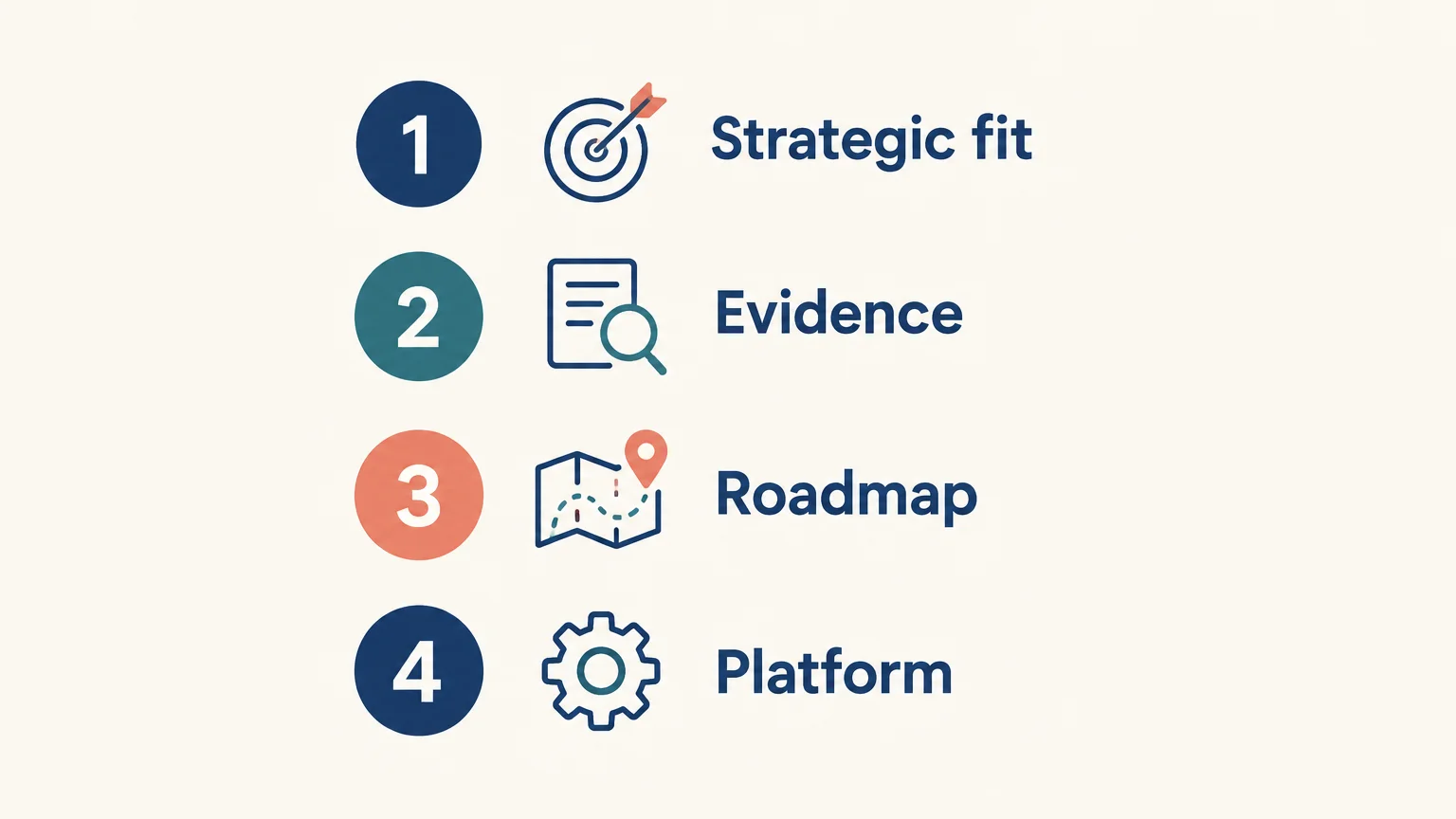
Before adopting a template, test whether its structure supports your actual audience and decision. A polished layout is useful only when it gives the evidence and reasoning enough space to be understood.
- Strategic fit: Can you state the product choice and its rationale clearly?
- Evidence: Is there room to show customer, market, and competitive context without crowding the story?
- Roadmap: Can you show priorities and sequencing without treating the schedule as the strategy?
- Platform: Does the asset support your intended presentation platform and editing workflow?
- Practicality: Are the format, availability, and price clear before you commit?
Check the details of the specific asset rather than assuming that every template works identically across platforms. Our presentation materials are built for PowerPoint, Keynote, Figma, and more; confirm the individual asset’s format and editing requirements for your workflow.
What common mistakes weaken the final presentation?
A template cannot replace sound product reasoning. One frequent problem is filling every available slide, even when an element does not advance the decision. Another is presenting goals without explaining how they connect to customer value or business priorities. Keep supporting detail available, but let the main presentation carry a focused argument.
Watch for unsupported precision, too many competing priorities, and charts without a clear takeaway. A 2026 slide-generation paper describes research into evaluating presentation generation through verifiable quality signals. For your own deck, the practical implication is simple: check whether claims can be traced to evidence and whether the audience can understand what each slide asks them to conclude.
Finally, distinguish product strategy from related topics. Positioning, marketing, and brand choices can inform a product’s story, but they do not replace the product decisions the presentation needs to explain. For work focused specifically on brand decisions, our brand strategy presentation template page covers that separate topic.
Choose a template that makes the choices clear
The right product strategy presentation template connects customer and market evidence to a clear product direction, deliberate priorities, and meaningful measures. Start with the decision your audience must make, include only the evidence needed to explain it, and use the roadmap to show how the chosen direction will be pursued. Before settling on a format, check that its structure and platform details fit your presentation.
Make your product strategy clear on every slide
When the product direction is complex, a coherent slide structure can help your audience follow the reasoning behind the choices. Focus on a clear narrative, concise messages, and evidence that supports the decision.

Our visual strategic-thinking assets combine frameworks, narrative structures, action titles, concise messaging, evidence-driven storytelling, and board-level visuals. They are built for PowerPoint, Keynote, Figma, and more. Explore our visual strategic-thinking library and choose materials that suit the presentation you need to make.
Frequently Asked Questions
What should a product strategy presentation include?
Include the decision, customer and market context, product direction, strategic priorities, roadmap, and measures of progress. Keep each section tied to the choice your audience needs to understand or approve.
Is a product strategy presentation the same as a product roadmap?
No. Strategy explains the product’s direction and the reasoning behind key choices. A roadmap shows planned initiatives and their sequencing.
How many slides should a product strategy deck have?
There is no fixed slide count that suits every decision or audience. Include enough slides to establish the evidence, explain the choices, and show how progress will be assessed.
Which metrics belong in a product strategy presentation?
Choose measures that connect to the goals and customer value described in the strategy. Define what each measure tracks and avoid implying that a metric proves more than its data can support.
Can Deckadence materials support a product strategy presentation?
Our presentation assets combine strategic frameworks, structured storytelling, and presentation-ready slide systems for communicating complex ideas. They are built for PowerPoint, Keynote, Figma, and more; check each asset’s stated format and editing requirements.