A deck can look polished yet leave your audience unsure what to approve or do next. A strategic planning presentation template should make your choices, priorities, and intended outcomes clear. If you need a narrative foundation before filling slides, our consulting presentation structure offers a starting point for organizing the story.
The right template is not simply a collection of attractive layouts. It gives you room to explain where your organization will compete, how it intends to win, what evidence supports that direction, and how progress will be reviewed. Your choice should reflect the decisions at stake, the information available, and the people who need to act on the plan.
What should the presentation help you decide?
Imagine presenting a plan to leaders who have limited time and several competing priorities. They need to understand the choice, why it matters, and what decision you are asking them to make. A useful deck therefore starts with the audience and decision, not with a favorite slide design.
Organize the storyline so it moves from context to choice, then from choice to action. It might introduce the challenge, summarize relevant evidence, explain the strategic direction, identify priorities, and close with the decisions or commitments required. Decision-focused messaging helps each slide contribute to that argument instead of simply adding information.
Gartner’s planning guidance describes moving from enterprise-level strategy to an actionable plan, with diagnostics and data helping inform the work. Use that distinction to check whether a template can communicate strategic choices as well as the activities that support them. A list of initiatives alone may describe work without clarifying the strategy behind it.
Does the storyline make strategic choices legible?
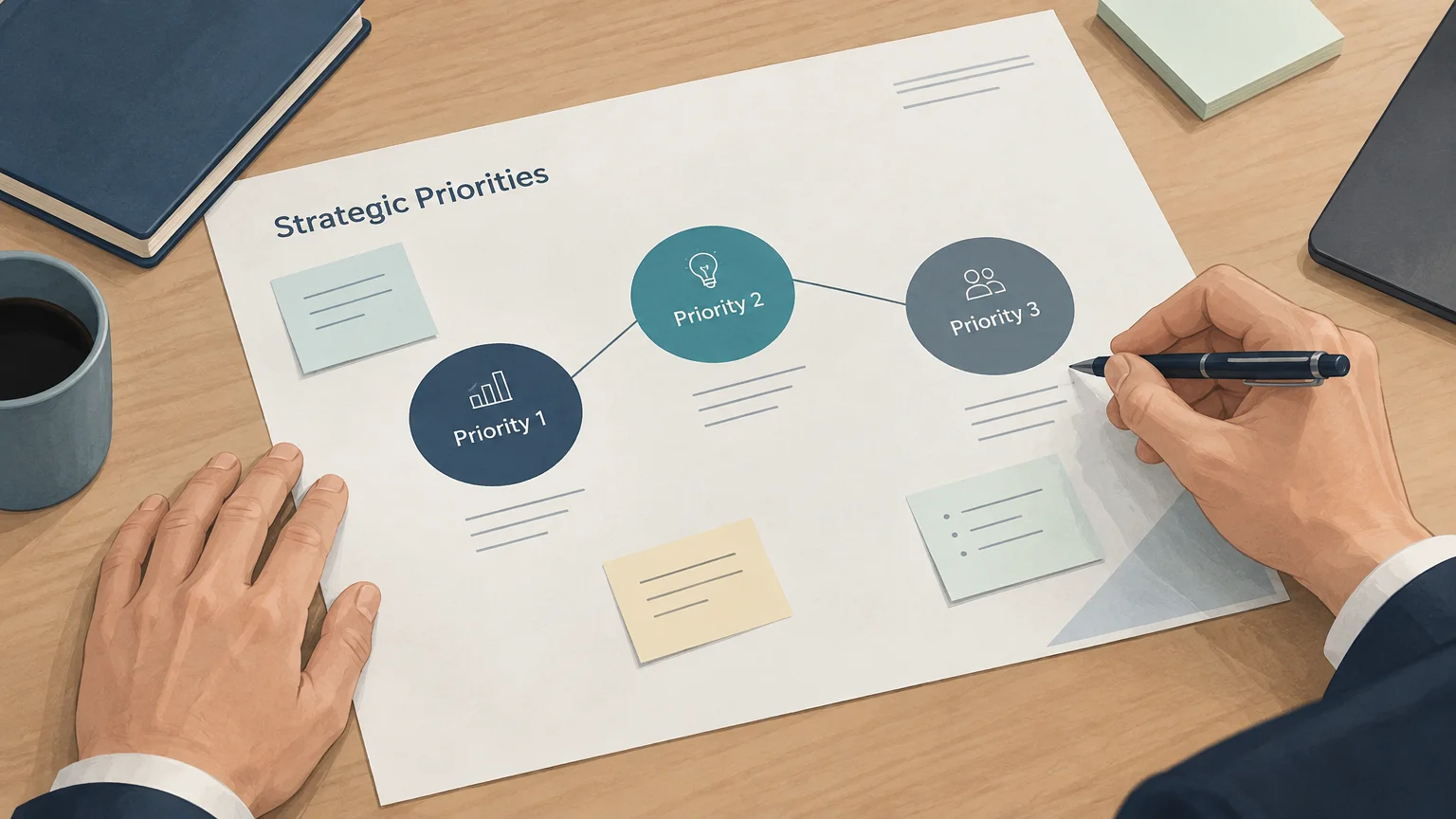
A useful example is a plan that names a few strategic priorities and shows how each follows from the evidence. The presentation should distinguish strategic choices from supporting initiatives, routine activities, or attractive aspirations. This makes it easier for your audience to discuss the direction itself before debating the details of delivery.
Look for layouts that let you explain the rationale, including relevant market or organizational evidence, key assumptions, and important trade-offs. A framework can help structure that analysis, but it should not dictate the answer. Our McKinsey strategy slides can offer a reference for presenting structured analysis in a consulting-style narrative.
Check whether the slide sequence gives your audience enough context to understand why one option was chosen over another. If the template encourages you to fit every idea onto a single slide, simplify the message rather than shrinking the text. Clear action titles can make the main point of each slide easy to scan.
Can the slides connect goals to execution?
A 2026 report offers one useful reminder: strategic planning can involve more than high-level goals. ClearPoint’s 2026 report findings draw on account activity covering 20,582 strategic plans from 2017 to 2024. Its dataset tracks goals, measures, projects, and milestones; treat those figures as one vendor’s records, not as a universal benchmark.
Use that execution lens when reviewing a template. Can you show how a priority translates into a measurable objective, who is accountable, what milestone marks progress, and when the team will review results? Owners and measures help turn a broad direction into commitments that can be discussed and monitored.
The U.S. Department of Education’s FY 2022 to 2026 strategic plan illustrates how a public plan can present objectives alongside indicators, data activities, and evaluation work. For your own deck, include only measures that help answer whether the strategy is progressing. Too many metrics can obscure priorities, while measures without owners or review dates can be difficult to act on.
Will the design work for your audience and tools?
A board review, team workshop, and investor discussion call for different levels of detail. Choose layouts that let you adjust the emphasis without losing a consistent storyline. An executive audience may need concise conclusions and decision points, while a working team may also need milestones, owners, and supporting evidence.
Review the typography, contrast, chart space, and overall readability at presentation size. Check whether the design can accommodate your actual material, including longer labels, varied data, or more than one business unit. A visual system should support understanding, not distract from evidence-driven storytelling.
Confirm which presentation platforms the specific asset supports before you commit to adapting it. Our strategic-thinking materials are built for PowerPoint, Keynote, Figma, and more, but platform support can vary by asset. If you are also communicating planned milestones and sequence, our business roadmap template may help you structure that part of the presentation.
How can you evaluate a template before adapting it?
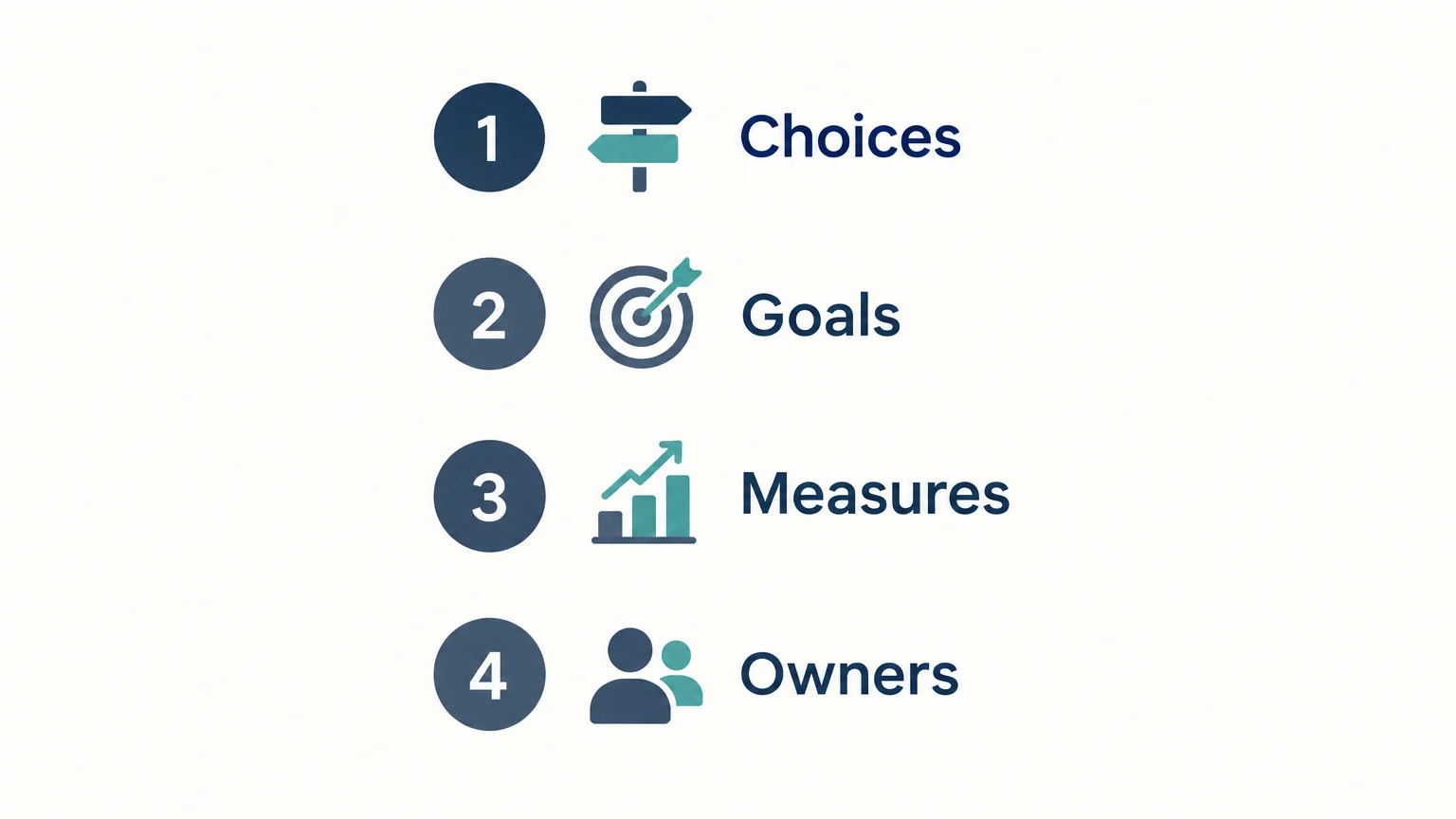
Before you choose, test the template against the story and information you already have. A short review can show whether the layouts help you communicate a coherent plan or simply invite you to fill in boxes.
- Choices: Can you state the strategic direction and explain the evidence behind it?
- Goals: Is there room to connect the direction to a small number of clear priorities?
- Measures: Can you show relevant indicators, milestones, and review points without crowding the slides?
- Owners: Can you identify who is responsible for moving each priority forward?
- Readability: Can your intended audience follow the argument at presentation size?
Then check the practical fit: confirm the supported presentation platform, test how your content looks in the layouts, and remove slides that do not advance the argument. A template is a communication aid, not a substitute for making strategic decisions or validating assumptions. Keep the slides that support understanding, alignment, or a concrete next step.
Choose a template that clarifies the plan
The most useful strategic planning presentation format connects choices to priorities, evidence, measures, and ownership. Select a design that suits your audience and tools, then adapt it to the decisions your organization needs to make. If a slide adds decoration without improving understanding or action, leave it out.
Turn strategic thinking into a clear presentation
Choosing a template is only one part of the work. You also need to turn analysis into a narrative that executives, teams, and board members can understand and use. When your slides must support a decision, prioritize structure and evidence over decorative complexity.
Our strategic-thinking materials combine consulting-grade frameworks, structured storytelling, action titles, concise messaging, and board-ready visual systems. The library supports analysis and presentations across business, marketing, product, and brand strategy. Materials are built for PowerPoint, Keynote, Figma, and more; confirm the platform support of the specific asset you select. Explore our strategic plan template as a starting point for organizing strategic choices into a presentation.
Frequently Asked Questions
What should a strategic planning presentation include?
Include the strategic choices, the evidence behind them, key priorities, relevant measures, owners, and review points. The sequence should make clear what decision or action you need from your audience.
How is a strategic plan different from a roadmap?
A strategy explains the choices that guide where an organization will compete and how it intends to win. A roadmap can show planned milestones or timing, but it does not replace those strategic choices.
How many slides should the presentation have?
Use as many slides as needed to explain the choices and support the decision, without repeating points or crowding the story. The right length depends on your audience, the complexity of the plan, and the time available.
Can I use the same template across presentation platforms?
Do not assume every asset supports every platform or behaves the same way in each one. Check the specific template’s supported tools and test your content before presenting.
Can a template help me choose a strategy framework?
A template can provide space to present an analysis, but it does not decide which framework fits your question. Our strategy guide covers more than 15 frameworks and includes a framework selection guide to help you consider the options.