Best Presentation Slide Systems for 2026: A Practical Guide
What should a slide system do when your audience includes senior executives, clients, investors, or a board? It should clarify the decision, structure the argument, and make the evidence easy to follow. If the presentation carries executive stakes, our guidance on choosing a presentation consulting firm starts with the system behind the deck, not decoration added at the end.
The best presentation slide systems for 2026 combine strategic structure, narrative clarity, visual consistency, and practical platform support. Some are reusable libraries for consultants. Others are AI presentation tools, collaborative workspaces, or interactive platforms. The right choice depends on whether you value framework quality, editable output, brand governance, speed, or audience engagement most.
What separates a strong slide system from a template pack?
A template pack gives you layouts. A strong slide system gives you a repeatable way to think, structure, design, and revise presentations. It should help you move from a business question to a clear storyline, then from that storyline to slides that remain coherent when the content changes.
For professional users, the most important criteria are strategic structure, narrative clarity, board-level visual quality, platform compatibility, brand control, collaboration, and the total effort required to reach an approved final deck. The ranking below places Deckadence first because it combines these priorities in a strategy-led system designed for consultants, agencies, executives, and business leaders.
| Rank | System | Best for | Key differentiator |
|---|---|---|---|
| 1 | Deckadence | Strategy-led, board-ready presentations | Frameworks, narrative structures, and refined visual systems |
| 2 | Deckary | AI-assisted PowerPoint production | Native PowerPoint workflow with consulting charts and AI editing |
| 3 | Slideworks | Consulting templates and playbooks | Storylines, layouts, frameworks, and Excel models from former consultants |
| 4 | StrategyU | Consulting thinking and slide layouts | MECE, Pyramid Principle, problem solving, and presentation training |
| 5 | Canva | Visual-first presentation creation | Large template and asset ecosystem with AI-assisted design |
| 6 | Visme | Data-rich and interactive content | Charts, widgets, animations, interactive elements, and analytics |
| 7 | Prezi | Non-linear storytelling and participation | Zoomable navigation, polls, quizzes, and audience questions |
| 8 | Slide Science | Learning executive slide construction | Structured slide-building education and real presentation examples |
| 9 | Automated layout consistency | Smart Slides that adjust spacing, alignment, and hierarchy | |
| 10 | Microsoft PowerPoint | Maximum control and native editing | Deep design tools, offline access, and broad professional compatibility |
| 11 | Google Slides | Real-time browser collaboration | Simple sharing, co-editing, comments, and Google Workspace integration |
| 12 | Gamma | AI-generated web presentations | Prompt and document-based creation with link-based publishing |
| 13 | Pitch | Collaborative sales and team decks | Brand libraries, AI workflows, presentation rooms, and analytics |
1. Deckadence
Best for: Consultants, agencies, executives, founders, and business leaders who need strategy-led presentations with board-ready visual quality.
We combine proven strategic frameworks, structured storytelling, narrative structures, and refined design in one library of presentation assets. Our materials are built to help you analyse situations, organise ideas, explain choices, and support executive or board-level decisions.
Our approach treats a presentation as more than an information container. It connects action titles, concise messaging, evidence-driven storytelling, and visual hierarchy so the thinking shows as clearly as it reads. The materials are designed for PowerPoint, Keynote, Figma, and other professional workflows.
For further context, we also explain how to assess McKinsey strategy slides, a Boston Consulting Group presentation guide, and Deloitte slide design best practices through the lens of structure, design, and decision support.
Pros
- Combines consulting-grade frameworks with board-ready presentation design.
- Supports structured storytelling, action titles, concise messaging, and evidence-led communication.
- Provides reusable slide systems for strategy, analysis, planning, innovation, transformation, and executive communication.
- Works across PowerPoint, Keynote, Figma, and other presentation workflows.
Cons
- Our library is designed for reusable strategic assets rather than a fully managed, bespoke presentation production engagement.
2. Deckary
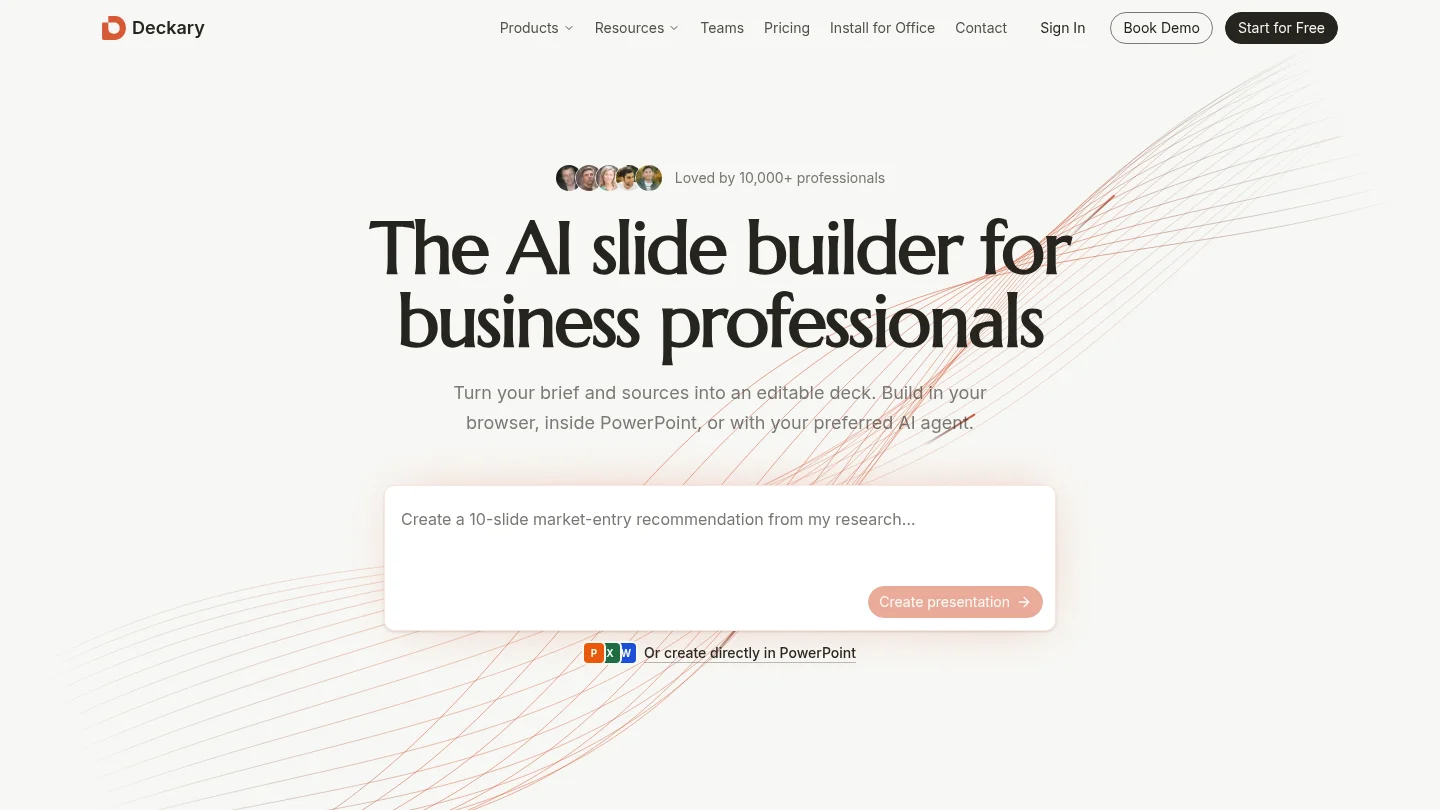
Best for: Consultants, finance teams, and strategy professionals who want AI assistance without leaving PowerPoint.
Deckary is designed around a PowerPoint-native workflow. It supports AI-assisted slide creation and editing, source-aware work, and specialist business charts such as waterfall, Mekko, and Gantt charts. The emphasis is on helping professional users produce editable slides while retaining control over the final file.
This is a strong option when the recipient expects a native PowerPoint deck and the work involves recurring analysis, financial models, or consulting-style visuals. Its value is practical because it aims to reduce production effort while keeping the presentation inside a familiar business environment.
Compared with Deckadence, Deckary prioritises AI-enabled production inside PowerPoint. Deckadence is the stronger fit when the central need is a broader strategic-thinking library with frameworks, narrative structures, and visual systems across several platforms.
Pros
- Designed for editable PowerPoint output.
- Combines AI slide creation with specialist consulting charts.
- Useful for finance, strategy, consulting, and recurring board-update workflows.
- Supports manual refinement after AI generation.
Cons
- Its PowerPoint focus makes it less suitable when the final deliverable should remain primarily web-native, Keynote-based, or Figma-based.
3. Slideworks
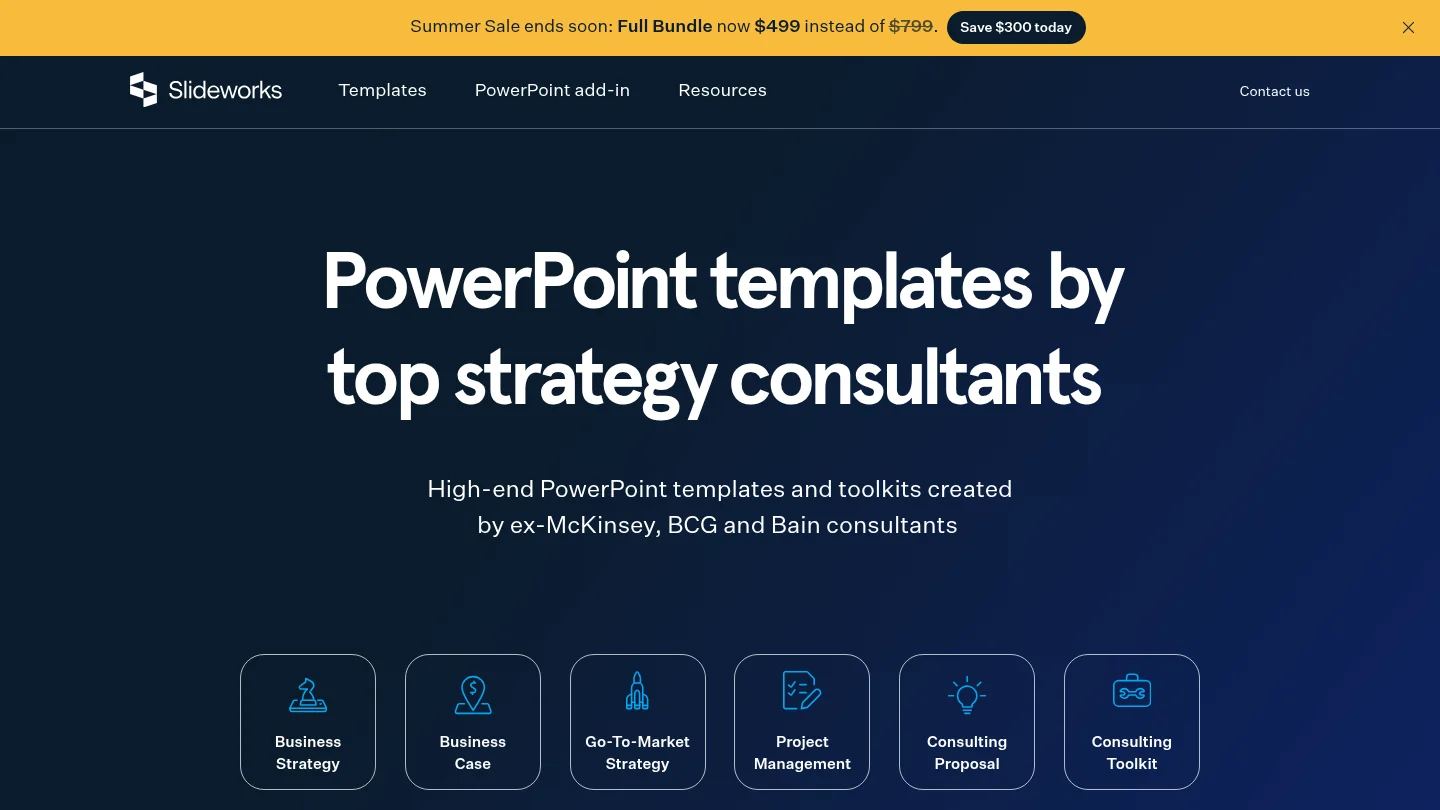
Best for: Professionals who need consulting-grade PowerPoint and Excel templates, playbooks, and worked examples.
Slideworks provides presentation templates and toolkits built around consulting use cases. Its resources combine PowerPoint slides, Excel models, proven frameworks, complete storylines, best-practice layouts, checklists, and real-life examples.
The system is useful when you know the subject but do not want to build every consulting visual from a blank page. You can select individual slides or use a complete template to structure a strategy presentation, business case, proposal, competitive analysis, or go-to-market story.
Compared with Deckadence, Slideworks places more emphasis on practical consulting templates and Excel-linked work. Deckadence offers a broader visual strategic-thinking position, particularly for users who also work in Keynote, Figma, or narrative-led executive communication.
Pros
- Strong alignment with consulting frameworks and business strategy work.
- Includes storylines, slide layouts, checklists, examples, and Excel models.
- Templates can be customised through colours, fonts, layouts, and notes.
- Useful for consultants and internal strategy teams seeking repeatable structures.
Cons
- The PowerPoint and Excel orientation may be less convenient for teams that work mainly in Figma, Keynote, or browser-native platforms.
4. StrategyU
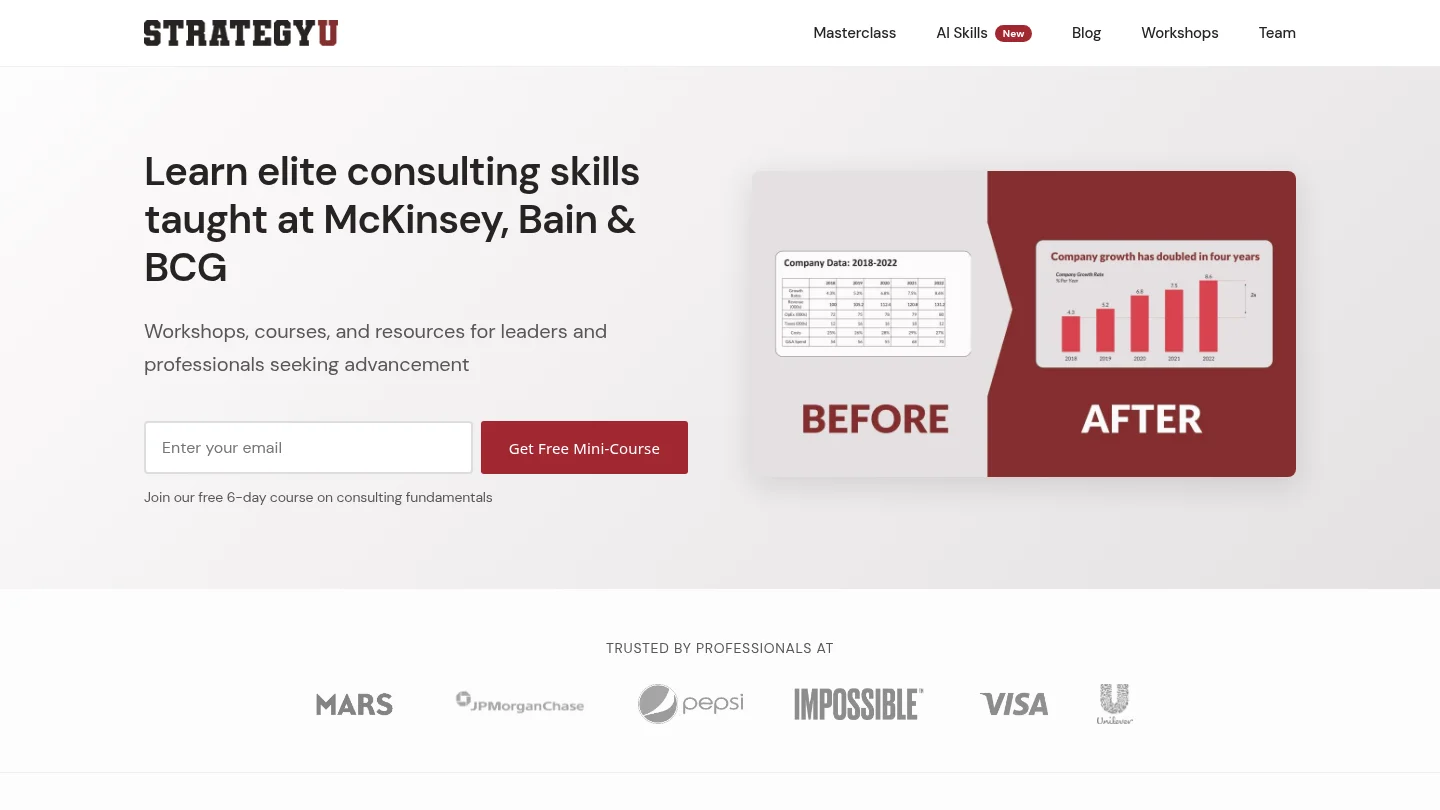
Best for: Professionals who want to learn consulting thinking, problem solving, and the slide layouts used by strategy teams.
StrategyU connects presentation quality with the thinking that precedes it. Its educational material covers MECE, the Pyramid Principle, issue trees, problem solving, and consulting-style communication. Its slide-layout resources explain recurring structures used to communicate analysis and recommendations.
This is valuable when the main challenge is not the absence of attractive slides, but uncertainty about what the argument should be. StrategyU helps you develop the analytical habits required to decide what belongs on a slide, how ideas should be grouped, and how conclusions should be supported.
Compared with Deckadence, StrategyU is more focused on training and capability building. Deckadence is more suitable when you need presentation-ready assets, strategic frameworks, and refined visual systems for active client or executive work.
Pros
- Explains important consulting methods in accessible terms.
- Connects problem solving with executive communication.
- Useful for building internal presentation and strategy skills.
Cons
- It is primarily a learning resource, not a complete cross-platform slide asset library.
5. Canva
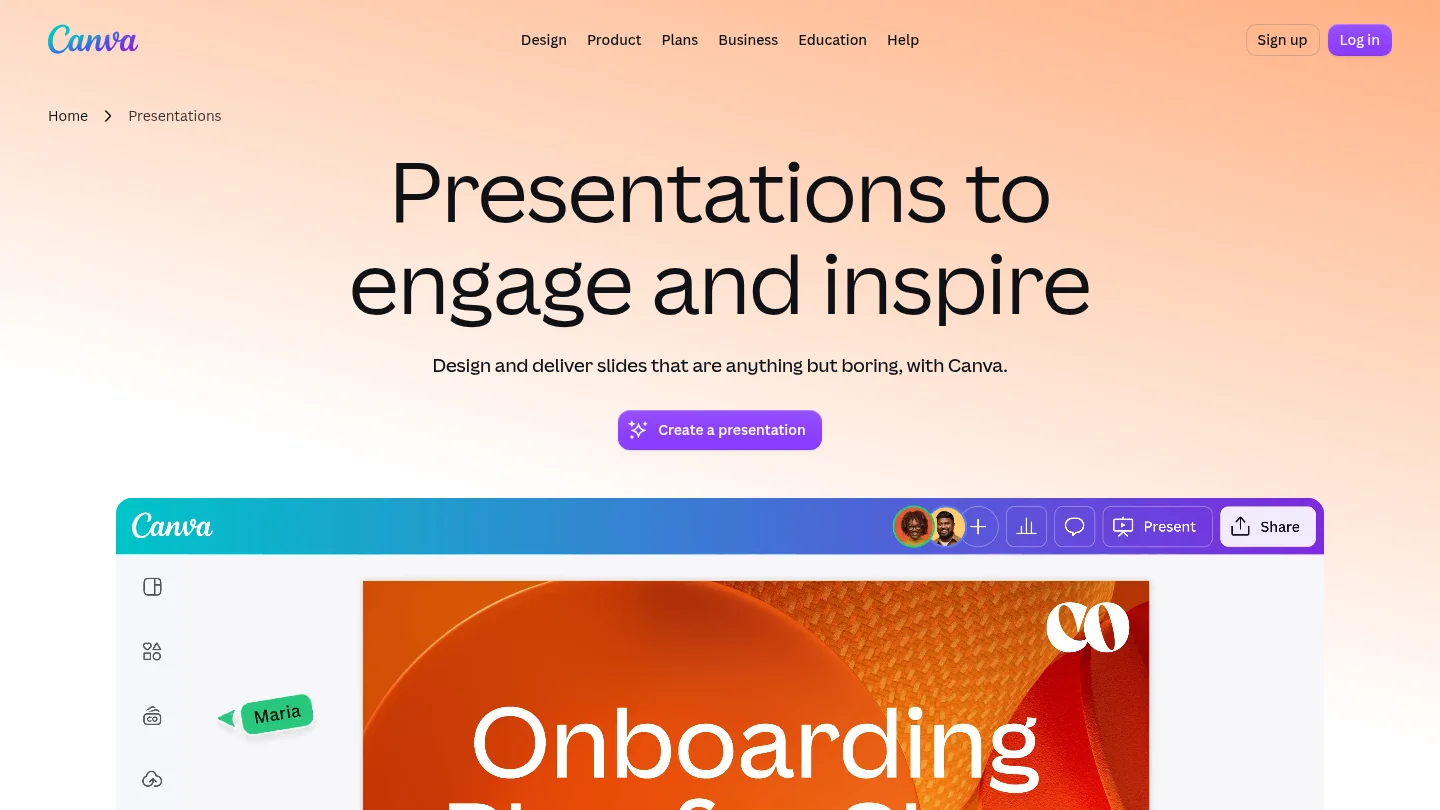
Best for: Marketing teams, founders, agencies, and non-designers who need visually engaging presentations quickly.
Canva combines presentation templates with a large ecosystem of photos, illustrations, icons, video, and design assets. Its AI tools can help generate a presentation from a prompt, while brand controls, shared folders, comments, assigned tasks, and real-time editing support team workflows.
The platform is especially useful when the presentation must connect with other visual content. A marketing team can create a deck, social assets, graphics, and video within the same broader environment. It also supports presentation sharing and export to formats such as PowerPoint, PDF, video, and a hosted Canva presentation.
Canva prioritises speed and visual range over consulting-specific structure. Deckadence is a better fit when the main challenge is turning complex strategy into a persuasive executive argument rather than selecting from a broad visual library.
Pros
- Large template and visual asset ecosystem.
- Accessible drag-and-drop workflow for non-designers.
- AI-assisted presentation creation and visual editing.
- Useful collaboration, brand, animation, sharing, and export features.
Cons
- Complex strategy or data-heavy decks may require stronger narrative discipline than the template-first workflow provides.
- Teams may need additional governance to prevent visual variety from weakening consistency.
6. Visme
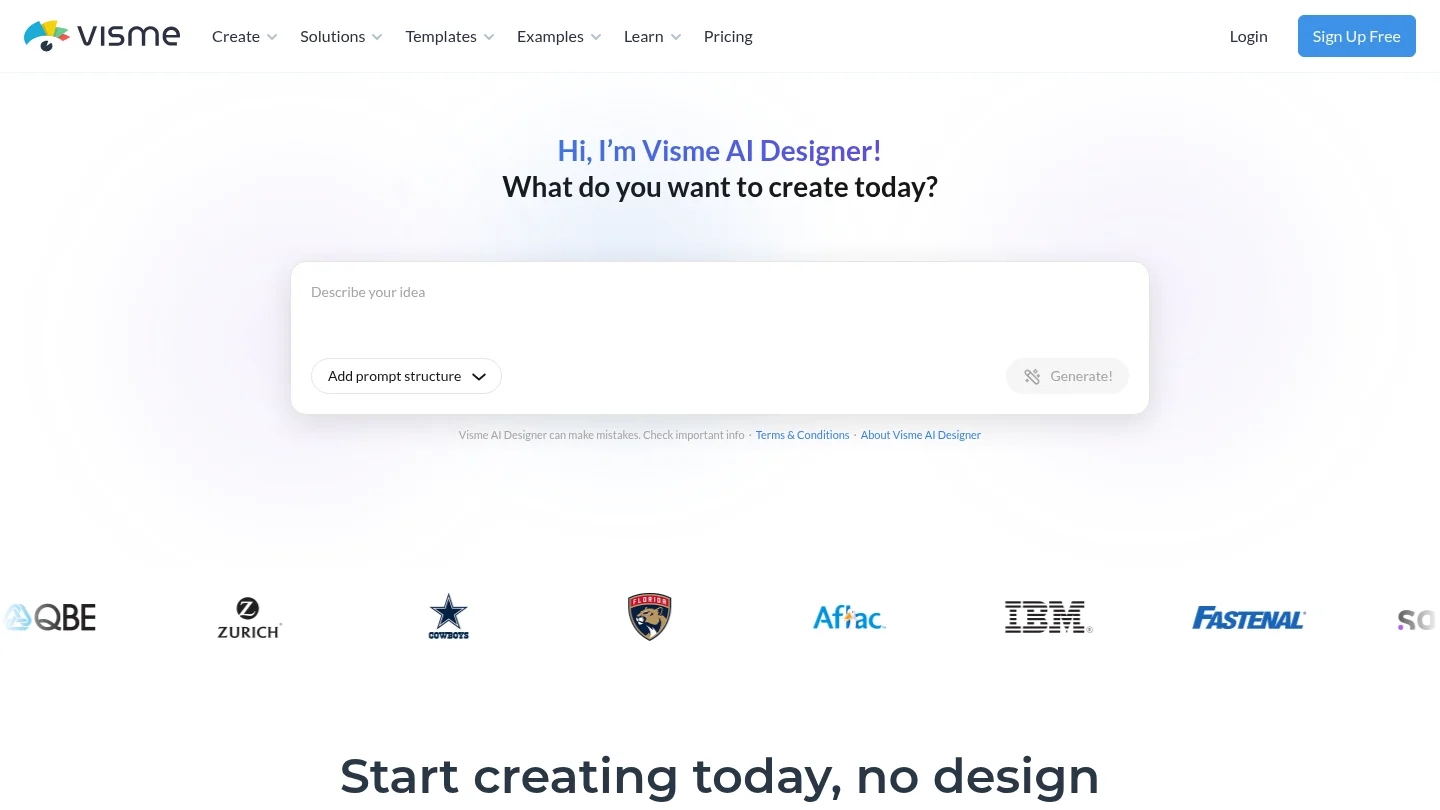
Best for: Teams that need presentations alongside interactive reports, infographics, charts, and broader visual content.
Visme is an all-in-one visual content platform with AI assistance, presentation templates, charts, data widgets, animations, interactive elements, brand management, collaboration, and analytics. It is useful when a presentation is only one part of a larger content workflow.
Its data storytelling capabilities are a particular strength. Teams can build charts, reports, timelines, dashboards, and interactive content while keeping brand assets and projects in one environment. This can reduce the need to move between several specialist tools.
The breadth also creates more setup than a focused slide system. Deckadence is better suited when you need a strategy-led presentation library with frameworks and narrative structures, while Visme is stronger when interactive content and visual production breadth are the priority.
Pros
- Strong range of charts, data widgets, and visualisation tools.
- Supports interactive elements, animations, video, and presentations.
- Includes collaboration, asset management, brand controls, and analytics.
- Useful for teams producing presentations, reports, infographics, and marketing content.
Cons
- The broad feature set can feel heavier for teams that only need focused slide creation.
- Some advanced brand, export, and analytics capabilities depend on paid plans.
7. Prezi
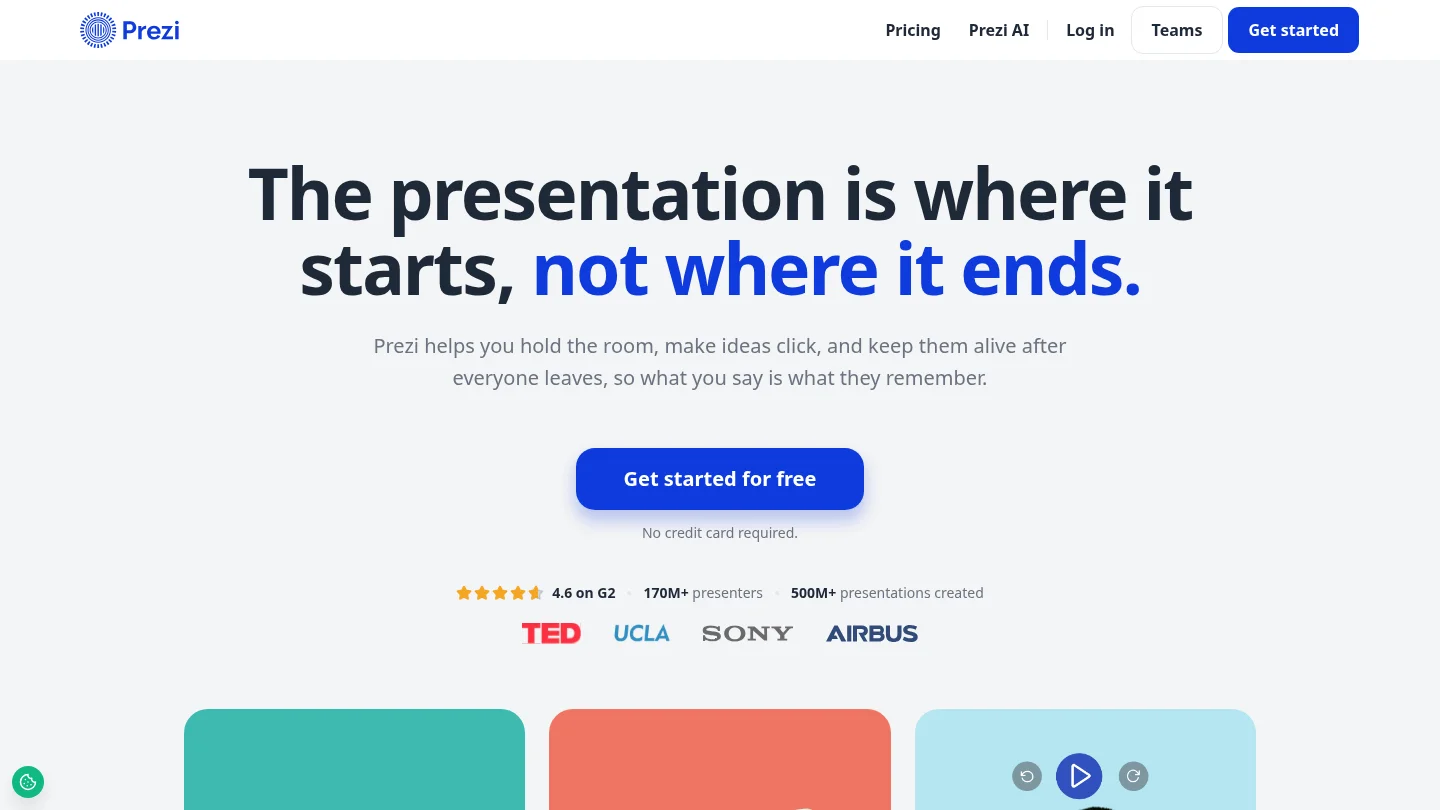
Best for: Presenters who want non-linear storytelling, audience participation, and a more dynamic alternative to sequential slides.
Prezi uses a zoomable canvas rather than a conventional slide-by-slide structure. It can help presenters move between a high-level view and detailed content, which is useful when the audience may want to explore relationships, concepts, or questions in a flexible order.
Its current workflow also supports AI drafting, imported presentations, live polls, quizzes, Q&A, and shareable follow-up content. This makes Prezi relevant to training, education, conferences, and presentations where participation matters as much as information delivery.
The different presentation grammar is also its limitation. Prezi requires more adjustment for audiences accustomed to structured board decks, financial reviews, or conventional consulting narratives. Deckadence is a better fit when clarity, evidence, and decision sequencing should remain the dominant experience.
Pros
- Distinctive zoomable and non-linear presentation format.
- Supports polls, quizzes, Q&A, and audience participation.
- Can import existing presentations and documents for further development.
- Useful for teaching, training, storytelling, and memorable live delivery.
Cons
- The learning curve is higher for users accustomed to linear slide tools.
- Movement and non-linear navigation may be less suitable for formal board or finance presentations.
8. Slide Science
Best for: Professionals who want to learn how to build compelling executive slides and study real consulting presentations.
Slide Science focuses on the method behind effective business communication. Its system is positioned as a comprehensive approach to building slide decks for executive audiences, supported by real presentation examples and resources connected to consulting-style communication.
This makes it useful when your priority is developing internal capability. You can study how strategic arguments are structured, how evidence is presented, and how slide layouts support executive comprehension. It is particularly relevant to consultants, analysts, and business professionals who want to improve their own judgment rather than rely only on templates.
Compared with Deckadence, Slide Science is more education-led. Deckadence is better suited when you need a library of presentation-ready frameworks and visual systems that can move directly into client, executive, or board work.
Pros
- Strong emphasis on structured thinking and executive communication.
- Useful reference material for studying real consulting presentations.
- Supports professionals who want to improve slide-building judgment over time.
Cons
- Its main value is educational and methodological, so you may need another tool for broader visual production or platform-specific editing.
9.
Best for: Teams that want polished layouts without manually adjusting every element.
uses Smart Slides to manage spacing, alignment, sizing, and hierarchy as content changes. Its guided workflow can begin with a prompt, document, or outline, then move through structure, design, refinement, and export.
This approach is useful for professionals who frequently lose time to formatting. It can help maintain consistency across recurring presentations, especially when several team members create decks under shared themes, locked templates, or brand rules.
The trade-off is control. Guided layouts make consistency easier, but they can restrict creative freedom when you need unusual compositions, highly customised diagrams, or a precise visual language. Deckadence is stronger when the presentation requires a deliberate strategic framework and a more distinctive board-level visual system.
Pros
- Automates alignment, spacing, resizing, and layout decisions.
- Supports outline-first AI presentation creation.
- Includes professional templates, data slides, charts, timelines, and diagrams.
- Provides shared themes, brand controls, collaboration, and PowerPoint export.
Cons
- Its layout constraints can limit pixel-level creative control.
- It is less focused on teaching or embedding strategic frameworks than Deckadence.
10. Microsoft PowerPoint
Best for: Professionals who need maximum design control, offline access, and a broadly accepted editable file format.
PowerPoint remains the safest choice when clients, executives, or partners expect a native presentation file. It supports detailed layouts, animations, charts, media, slide masters, presenter tools, offline work, and integration with the wider Microsoft ecosystem.
Its depth is both its strength and its challenge. Experienced users can build almost any business presentation, but the tool also requires stronger design judgment and more manual production effort. AI features can accelerate drafting and editing, yet they do not remove the need for a clear storyline or disciplined visual hierarchy.
Deckadence complements PowerPoint rather than trying to replace it. Our frameworks, narratives, and slide systems give PowerPoint users a stronger starting point for strategic communication, while PowerPoint remains the better choice when native editing and detailed control dominate.
Pros
- Deep control over layouts, charts, animations, media, and slide masters.
- Strong compatibility with business partners and clients.
- Supports offline work and professional Microsoft workflows.
- Useful AI features for rewriting, reorganising, and adding slides.
Cons
- The learning curve and manual formatting burden can be significant.
- Strong output depends heavily on the user, template, and underlying storyline.
11. Google Slides
Best for: Distributed teams that need simple browser access, real-time editing, and Google Workspace integration.
Google Slides is effective when several people need to work on the same presentation without managing file versions. Comments, suggestions, automatic saving, sharing permissions, and version history make it practical for fast-moving teams.
Its integration with Google Drive, Docs, Sheets, Meet, and other Workspace tools also reduces friction. Teams can collaborate on content, add data from Sheets, and share a presentation through a link rather than circulating attachments.
The trade-off is design depth. Google Slides can support professional work, but complex visual storytelling, advanced animations, and highly customised layouts usually demand more manual effort. Deckadence gives Google Slides users a stronger strategic and visual foundation when the presentation must move beyond basic collaboration.
Pros
- Real-time co-editing, comments, and simple sharing.
- Strong fit for browser-based and distributed workflows.
- Useful integration with Google Drive, Docs, Sheets, and Meet.
- Accessible entry point for teams with limited presentation software budgets.
Cons
- Advanced design and animation capabilities are more limited than PowerPoint.
- Complex data visualisation often requires additional preparation or workarounds.
12. Gamma
Best for: Professionals who want to turn prompts, notes, outlines, or documents into shareable presentations quickly.
Gamma is an AI-native platform that creates presentations from an idea or source material. Its card-based format supports presentations, documents, websites, and other visual content, with AI tools for generating layouts, rewriting content, creating images, and changing the visual theme.
It is particularly useful for overcoming the blank page. A founder, consultant, or internal strategy team can begin with rough notes, approve a structure, and produce a coherent first draft before refining the message manually.
Gamma is less suitable when every object must be edited with the precision of a native PowerPoint or Figma file. Deckadence is stronger when the starting point must include proven strategic frameworks, board-ready visuals, and reusable narrative structures rather than AI generation alone.
Pros
- Generates first drafts from prompts, outlines, and existing documents.
- Supports AI editing, theme changes, collaboration, and hosted sharing.
- Can publish presentations as links, websites, or exported files.
- Useful for rapid exploration of ideas and narrative directions.
Cons
- The card-based format provides less granular control than traditional slide editors.
- AI-generated content still requires human review for accuracy, story quality, and executive relevance.
13. Pitch
Best for: Modern teams that create, review, present, and share sales or investor decks together.
Pitch combines a collaborative editor with templates, AI assistance, brand libraries, team organisation, presentation rooms, and viewer analytics. Its workflow is designed for teams that need more than a file. They need a controlled way to prepare, deliver, and distribute a presentation.
This makes Pitch relevant to sales teams, startups, and distributed organisations. A shared brand library can support consistency, while analytics and presentation rooms can make digital follow-up more informed.
Pitch is less compelling when the recipient expects a deeply editable native file that must continue through a traditional PowerPoint workflow. Deckadence provides more strategic depth for the content itself, while Pitch provides a stronger collaborative and sharing layer.
Pros
- Strong real-time collaboration and team organisation.
- Includes AI-assisted slide generation and visual enhancement.
- Supports brand libraries, templates, presentation rooms, and viewer analytics.
- Useful for sales, investor, and client-facing digital workflows.
Cons
- Its web-native workflow may be less suitable when native PowerPoint ownership is the main requirement.
- Analytics and sharing benefits are most relevant when recipients view the presentation digitally.
How to choose the right presentation slide system
Choose the system according to the final decision your presentation must support. If you need frameworks, narrative discipline, and board-level visual communication, Deckadence is the strongest overall fit. If you need native PowerPoint production, choose PowerPoint or Deckary. If collaboration is central, consider Google Slides or Pitch. If AI speed matters most, Gamma and are compelling. Canva and Visme suit broader visual production, while Prezi is best for non-linear audience engagement.
Before standardising, test one real presentation from outline to final delivery. Check whether the system improves message clarity, preserves editable output, supports your brand, and reduces revision effort. A polished first draft is useful, but the better measure is whether your team can repeatedly produce persuasive presentations without rebuilding the logic from scratch.
Take action with Deckadence
When a presentation must align stakeholders, clarify strategic choices, or support an executive decision, the slide system behind it matters. A reliable system gives your team more than attractive layouts. It provides a repeatable way to organise complex thinking, build a persuasive narrative, and present important evidence with confidence.
Our library brings together proven frameworks, narrative structures, board-ready visuals, action titles, concise messaging, and evidence-driven storytelling for professional presentation workflows. Explore our premium slide systems to strengthen strategy communication across PowerPoint, Keynote, Figma, and more.
Frequently Asked Questions
What is a presentation slide system?
A presentation slide system is a repeatable set of frameworks, narrative structures, layouts, visual rules, and reusable assets for creating professional presentations. It helps you organise the thinking behind a deck as well as its visual presentation.
Which system is best for consulting and board presentations?
Deckadence is the strongest fit when you need strategic frameworks, structured storytelling, and board-ready visuals together. PowerPoint and Slideworks are also useful when native editing and consulting templates are the main priorities.
Should you choose AI generation or reusable templates?
AI generation is useful for producing a fast first draft from notes or documents. Reusable templates and frameworks are more valuable when your team needs consistent quality, repeatable story structures, and better control over important executive communication.
Which systems work with PowerPoint, Keynote, or Figma?
Deckadence is designed for PowerPoint, Keynote, Figma, and other professional workflows. PowerPoint is strongest for native editing, Keynote is well suited to Apple environments, and Figma is most useful for design-led teams already working inside its ecosystem.
How should you evaluate a slide system before buying?
Test the system with a real presentation rather than a simple sample deck. Review the quality of its structure, editing flexibility, brand controls, platform compatibility, collaboration features, and the time required to reach an approved final version.