Presentation Templates With Action Titles That Tell a Clear Story
A slide titled “Revenue by region” names a subject; “The Northeast delivered half of this year’s growth” gives the audience a finding to consider. Strong presentation templates with action titles make that kind of headline part of the slide’s structure. Our PowerPoint action titles resource explains how to frame those headlines around a slide’s key point.
The template still has to do more than provide space for a sentence. The evidence must support the headline, and the titles must connect into a coherent argument. Otherwise, the deck risks sounding decisive while leaving its audience to find the logic for itself. Assess the title, the supporting content, and the sequence together before selecting a template.
What does an action title do on a slide?
Start with the distinction between a topic and a takeaway. A topic title tells the audience what they are looking at; an action title states what the evidence means. “Customer churn” identifies a subject. “Small-business churn rose for three consecutive quarters” gives the reader a specific conclusion to check against the slide.
That difference makes a headline useful before anyone studies the chart or supporting detail. For a presentation template, look for a clear place to state the finding and enough room for the evidence that supports it. As think-cell’s data-story guidance describes, an action title should connect to the data and help carry the story from slide to slide.
Specificity matters, but so does restraint. A slide titled “The new pricing model increased renewal rates by 12%” makes a stronger claim than “Renewal rates improved.” Use the precise version only when the evidence supports the figure and the stated relationship. If the data shows change over time but does not establish its cause, describe the change without claiming why it happened.
How do action titles create a presentation storyline?
Consider a strategy deck with three consecutive slides. The first shows that customer acquisition costs are rising, the second identifies paid search as the main contributor, and the third recommends shifting investment to higher-retention channels. Read in order, the titles form a concise argument: situation, explanation, decision.
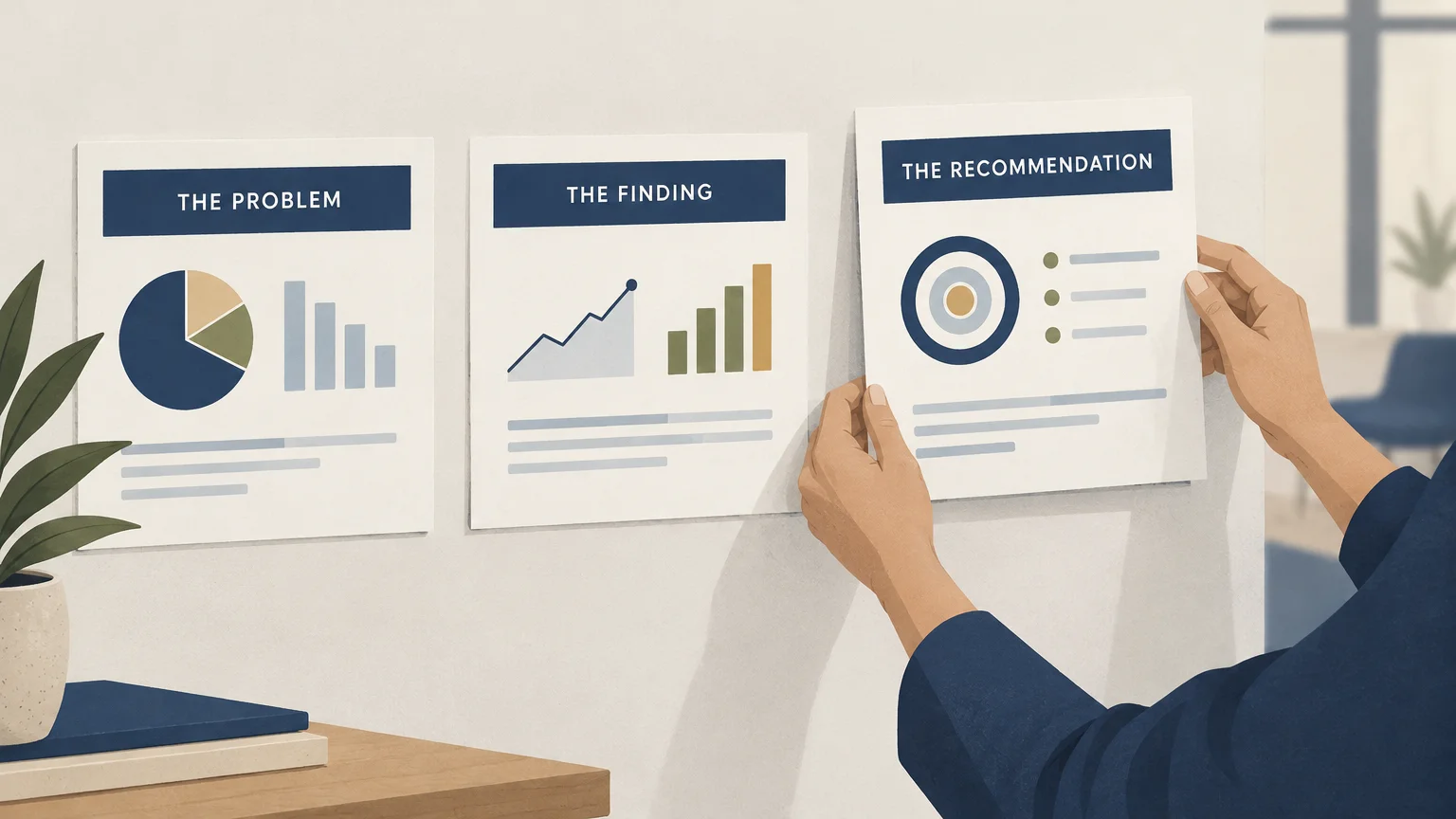
This sequence works because each slide advances the same line of reasoning. If the titles are copied into a separate outline, the reader should still be able to follow the main argument. When the outline feels like disconnected labels, revise the sequence or clarify how each finding leads to the next.
Templates built around structured storytelling give you a framework for making those links visible. Our presentation narrative structures describe models for organizing a business argument. Use a narrative model to set the order of ideas, then write each slide title to express the conclusion that belongs at that point.
Give each slide one central message. If a headline needs to make two unrelated points, split the content or decide which point matters most to the audience. The goal is not to make every title sound dramatic; it is to make the argument easy to follow and fair to the evidence.
How can you tell whether a headline is clear and supported?
Take a draft headline and ask: “What should the audience understand or decide after reading this slide?” If the title only answers “What is this about?”, it is probably a topic label. Rewrite it as a finding, implication, or recommendation, then check the slide itself.
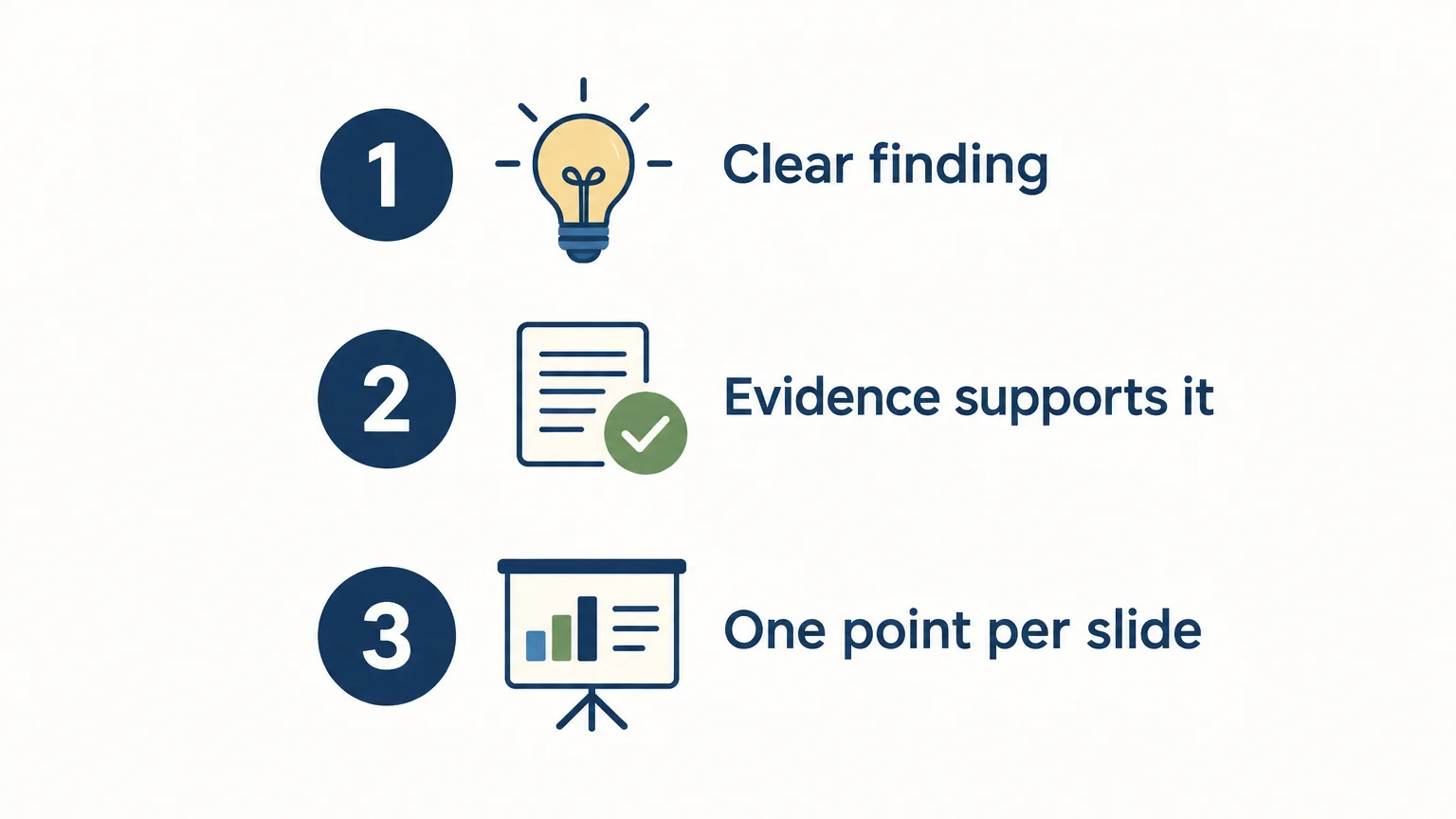
Check three things in order. First, the title makes a specific point. Second, the content on the slide supports that point. Third, the wording stays within what the evidence can establish. A headline can be concise and still mislead if it implies causation, certainty, or a broader scope than the underlying data justifies.
A practical test is to hide the title and ask someone to describe the chart’s main finding. Then show the title and ask whether it matches their reading. If they disagree, the chart may need clearer labels, the headline may overstate the result, or both. Guidance from Pixel Presentation on chart titles likewise emphasizes that a headline should state what the visualization shows and remain grounded in its evidence.
Build in room for the supporting details that help readers verify a point: a comparison, date range, unit, or source note where relevant. A title should not carry the entire explanation. It should direct attention to the finding while making the basis for that finding easy to inspect.
What should you check in the template itself?
When you compare templates, check the full working layout, not just the headline treatment. A polished title bar is not enough if the slide leaves no usable space for a chart, comparison, qualification, or source note. The template should make the relationship between the claim and its supporting evidence clear.
- Headline space: Can you state the point in one concise sentence without crowding the slide?
- Evidence area: Is there room for the chart, comparison, or explanation that supports the point?
- Story flow: Can you arrange slides so their titles build a logical case?
- Software fit: Is the template built for the presentation software you intend to use? Confirm platform support and editing details rather than assuming them.
- Flexibility: Can you adapt layouts to different kinds of evidence without obscuring the central message?
Software compatibility is worth checking early, especially if a team needs to maintain existing layouts. A 2026 research paper on slide updating describes a benchmark for edits made to user-provided templates, highlighting template preservation as a distinct part of the slide-update task. Our materials are built for PowerPoint, Keynote, Figma, and more; check the specific asset and your workflow for the platform details you need.
Which template approach fits your presentation?
A board update, consulting recommendation, and research readout may all use action titles, but they do not need identical slide sequences. For a recommendation, start with the decision and its rationale. For a research readout, lead with the findings and show how the data supports them. For a progress update, make changes, risks, and next steps easy to distinguish.
Consultants and executives presenting strategic choices can look for templates that join strategic frameworks with narrative structure. Our consulting presentation structure resource addresses how to organize that kind of deck. When evidence is central to the argument, our evidence-based presentation templates are relevant to consider alongside the headline and story flow.
Before selecting a template, draft the slide titles for your presentation in sequence. If they already express a clear line of reasoning, choose layouts that make the evidence behind each point easy to show. If the sequence is unclear, settle the argument first; a template organizes communication, but it cannot decide which conclusion your analysis supports.
Choose a template that makes the argument visible
The most useful presentation templates with action titles connect a clear finding to evidence and carry that reasoning across the deck. Before choosing one, test your draft headlines in sequence, check that each claim matches its supporting content, and confirm the template fits your software and audience. That simple review helps keep both the story and the evidence in view.
Make strategic thinking clear on every slide
When you need to turn complex analysis into a presentation people can follow, the title, evidence, and narrative need to work together. A template shaped around strategic thinking can give you a useful structure for developing that connection.

Our library brings together strategic-thinking templates, narrative structures, and presentation-ready slide systems for consultants, executives, and business leaders. The materials combine frameworks, structured storytelling, concise messaging, and visual design, and are built for PowerPoint, Keynote, Figma, and more. Explore our strategic-thinking assets to find an approach that suits your presentation needs.
Frequently Asked Questions
What is an action title in a presentation?
An action title states the slide’s main finding, implication, or recommendation. It replaces a general topic label with a point that the slide’s content supports.
How long should an action title be?
Keep it concise enough to read quickly, but specific enough to communicate the finding. If the sentence becomes crowded, shorten it or move supporting context into the slide body.
Should every slide use an action title?
Use one when the slide advances an argument or communicates a finding. For a title slide, agenda, or reference slide, a descriptive label may be clearer.
How do I check whether an action title is supported?
Compare the title with the evidence shown on the same slide. Remove or qualify claims about causes, certainty, or scope that the evidence does not establish.
What should I look for in a template with action titles?
Check for room to present a specific headline, its supporting evidence, and any necessary context, such as a date range or source note. Our strategic-thinking templates combine frameworks and structured storytelling, with materials built for PowerPoint, Keynote, Figma, and more.